Additional languages in AI Interview experience
Default off
Configuration implementation required
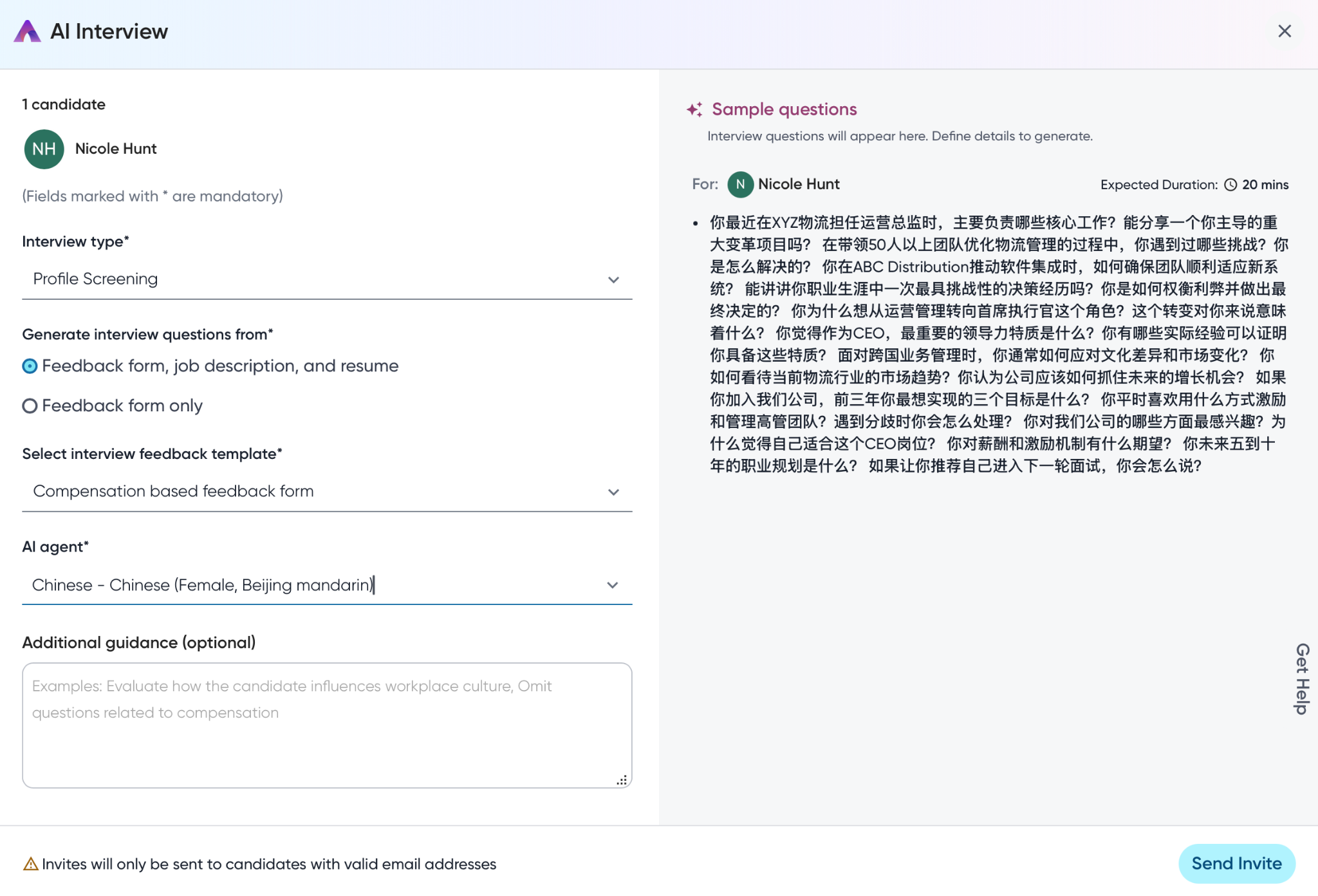
This enhancement improves AI Interviewer’s language capabilities, making the interview process more intuitive and globally accessible. Customers will notice the following enhancements:
Support for additional languages across all communication templates (SMS, Email, and WhatsApp). Users can now create personalized default templates in their preferred language, improving accessibility and user experience.
Feedback generation in the interview's native language with an integrated translation option.
This enhancement ensures a more natural and personalized experience for candidates and streamlines the review process for recruiters.
Users
Recruiters, Hiring Managers
Value
Default support for additional languages in communication templates ensures a seamless candidate engagement across diverse markets, reducing language barriers and improving the candidate experience for international talent pools.
Interview summaries and feedback are generated directly in the language of the interview, and a new translation button on the UI allows recruiters to easily translate feedback into their current page language. This enhancement eliminates manual agent selection overhead and ensures language consistency throughout the entire process.
Real-time translation of feedback forms enables hiring teams to fully understand candidate responses and make informed decisions without language comprehension gaps, leading to better hiring outcomes.
For more information, read Languages supported by AI Interviewer.
Impact on existing workflows
Interview summaries and feedback will now be generated in the language of the interview.
A new Translate button will be available for interview summaries/feedback. This button will only be visible if the interview language and the user's current page language are different. Clicking this button translates the feedback responses on the UI.
While interview responses can be translated, the actual feedback form questions (which are user-written customer data) won't be translated.
Initial setup
Feature can be enabled through FMT. Requesting enable will initiate a support ticket to get you the assistance you need.
Note: This feature was earlier released as pre-GA, available within Feature Management > Pre-GA. It's now available within the all features tab.
