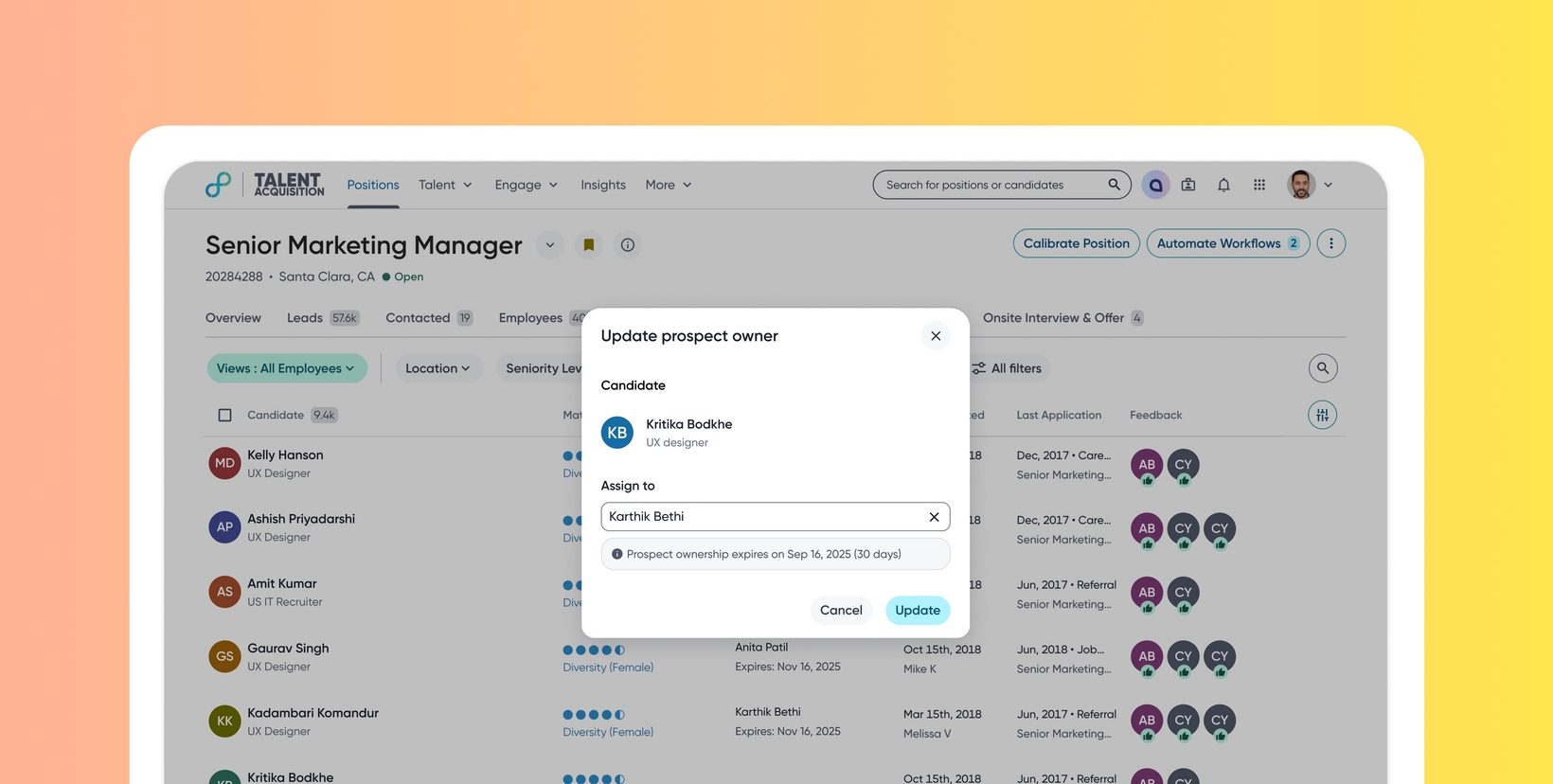
Prospect ownership for sourcers
Default Off (Self-service)
Who: Customer Admins, Sourcers
Requirements: Administrators must enable prospect ownership under Admin Console > Profile Settings. Users require the ‘perm_manage_prospect_owner’ permission to assign or update ownership for others and the ‘perm_own_prospects’ permission to be assigned as owners.
What's new: This feature introduces a time-bound ownership field at the profile level to establish clear accountability for prospect engagement. Previously, teams lacked visibility into active engagements, leading to duplicate outreach and reliance on manual workarounds. Prospect Ownership prevents collisions between sourcers, improves the candidate experience, and ensures accurate attribution for sourcing efforts by setting up clear ownership.
How it works: Select prospects in a pipeline or community and use Update Prospect Owner action to assign a sourcer for a specific duration. The assigned owner and expiry date appear on the profile top card, and users can filter pipelines by owner to view their specific active prospects.
To know more, see this video:
