- DATE:
- AUTHOR:
- The Eightfold team
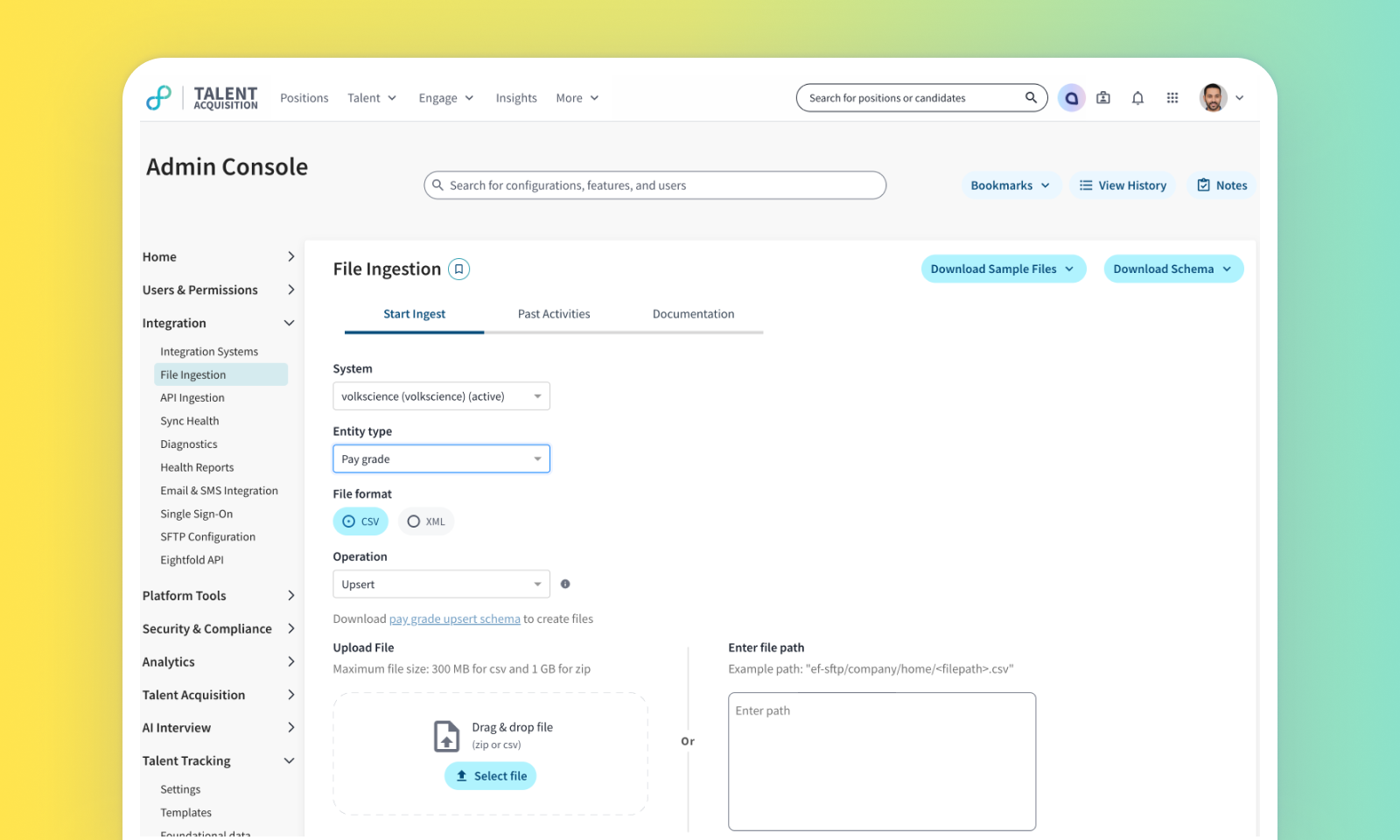
File ingestion improvements - Support for recurring Pay Grades data
Default on
This feature enhances the Eightfold File Ingestion Framework to support recurring, automated ingestion of Pay Grades data. Customers can now upload their complete pay grade structures, including elements and conditions, using structured CSV or XML files. This ensures that the pay grade information is consistently up-to-date with minimal administrative effort.
Users
Admins
Value
Organizations need an efficient and reliable way to keep their foundational compensation data, such as pay grades, synchronized between their HRIS and the Eightfold platform. Manual daily updates are time-consuming and prone to error.
By extending the File Ingestion Framework to support Pay Grades, we provide a robust and scalable solution for automating data synchronization. Customers can now ingest pay grade data either manually or by scheduling recurring ingestion via SFTP, providing flexibility and reducing manual effort.
An HRIS Administrator can configure a daily automated export of pay grade data from their system of record (e.g., Workday, SAP SuccessFactors) into the specified CSV or XML format. The Eightfold platform will automatically process these files daily, ensuring that all pay grades, their compensation elements (min, max, target values), and applicability conditions are accurately reflected for use in offer management and talent planning.
Frees up administrators from the repetitive task of manual file uploads.
Impact on existing workflows
The previous manual import function located in Admin Console > Talent Tracking > Pay Grades and condition centre will be deprecated. Users will be redirected to the centralized File Ingestion page for all pay grade management.
In the Admin Console, the user interface for viewing a pay grade's conditions will change. The previous dropdown menu for selecting a condition_id will be replaced with a read-only text field that displays the full condition logic, providing greater transparency.
Use the PAY-GRADE-CONDITIONS.csv file to define when a pay grade applies using org variables (columns).
Within a column: Comma-separated values create an OR condition (e.g., Country is A or B or C).
Across multiple columns: Columns create an AND condition (e.g., Country is A and Department is X).
Initial setup
This feature will be available to customers by default. Customers don't need to do anything to see this change in their Eightfold environment by the sandbox and GA dates.
