- DATE:
- AUTHOR:
- The Eightfold team
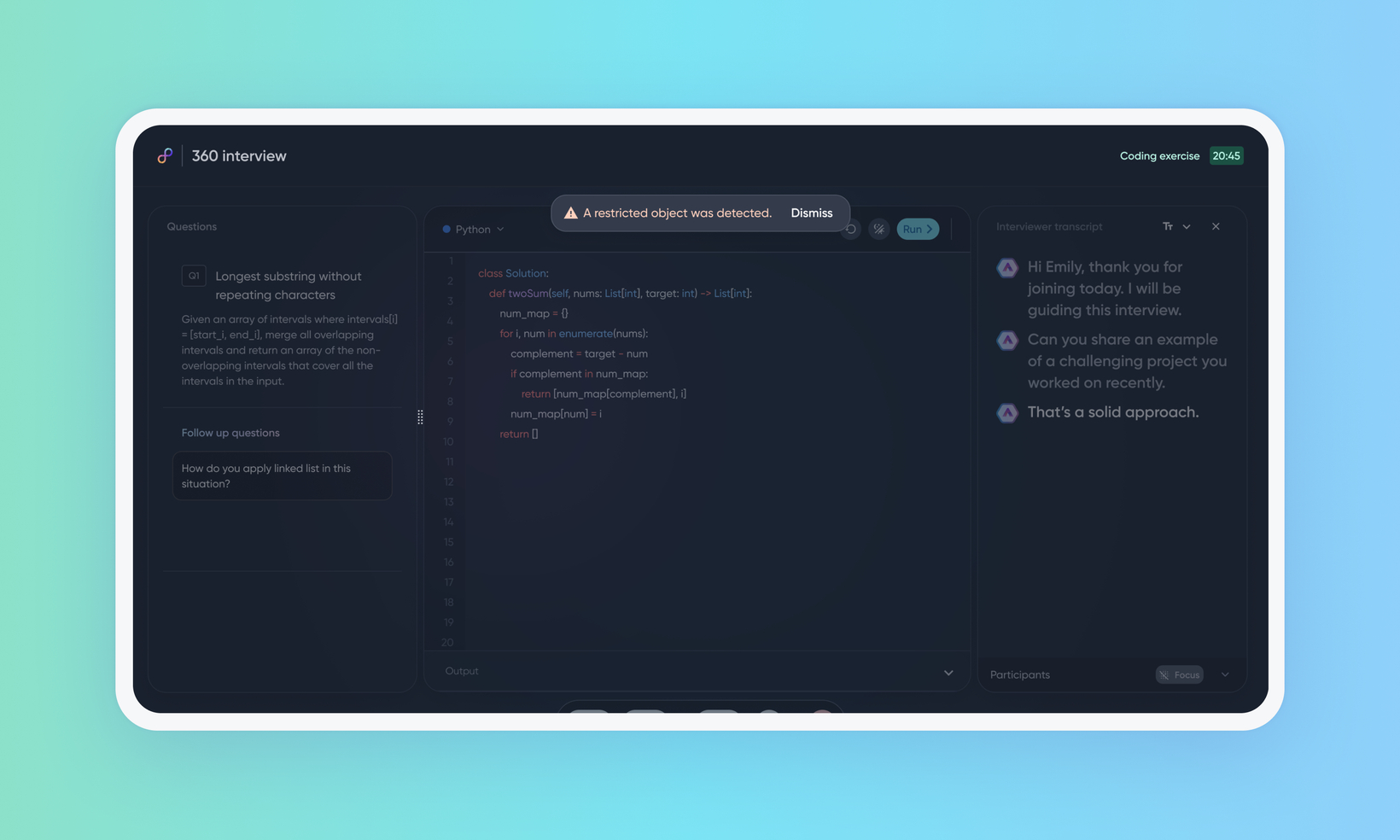
Proctoring object and person detection
WHAT'S INCLUDED
This release improves how AI Interviewer proctoring decides that a candidate has left the frame, that another person is present, or that a prohibited item is on screen. The three flags, where they appear, and who reviews them are unchanged.
WHY IT MATTERS
A candidate who turns away from the camera is no longer treated as having left the interview, which was the most common flag reviewers dismissed.
A person reflected in a mirror now counts as a second person every time, instead of depending on how a given recording was read.
Two ways candidates hold a phone—against the ear, and low in frame with only the top edge showing—are now identified rather than missed.
FEATURE DETAILS
Who can access | Recruiters, Hiring Managers, Interviewers |
Feature type | Default On (Non-deferrable) |
Requirements | AI Interviewer with proctoring already enabled |
GETTING STARTED
Admins: The improved detection applies automatically to AI interviews conducted after the release. No configuration effort required from customer admins.
For more info, read Configure proctoring for AI Interviewer, and Configure AI Interview settings.
End users: Reviewers see the same three flags in the same place on the interview report—Moved out of view, Multiple people in view, and Prohibited item seen on screen. What changes is which frames earn a flag. Flags remain observations for a human to weigh: they don't reject a candidate and they don't change an interview score.
For more info, read Proctoring and flagged activity in AI Interviewer.
