- DATE:
- AUTHOR:
- The Eightfold team
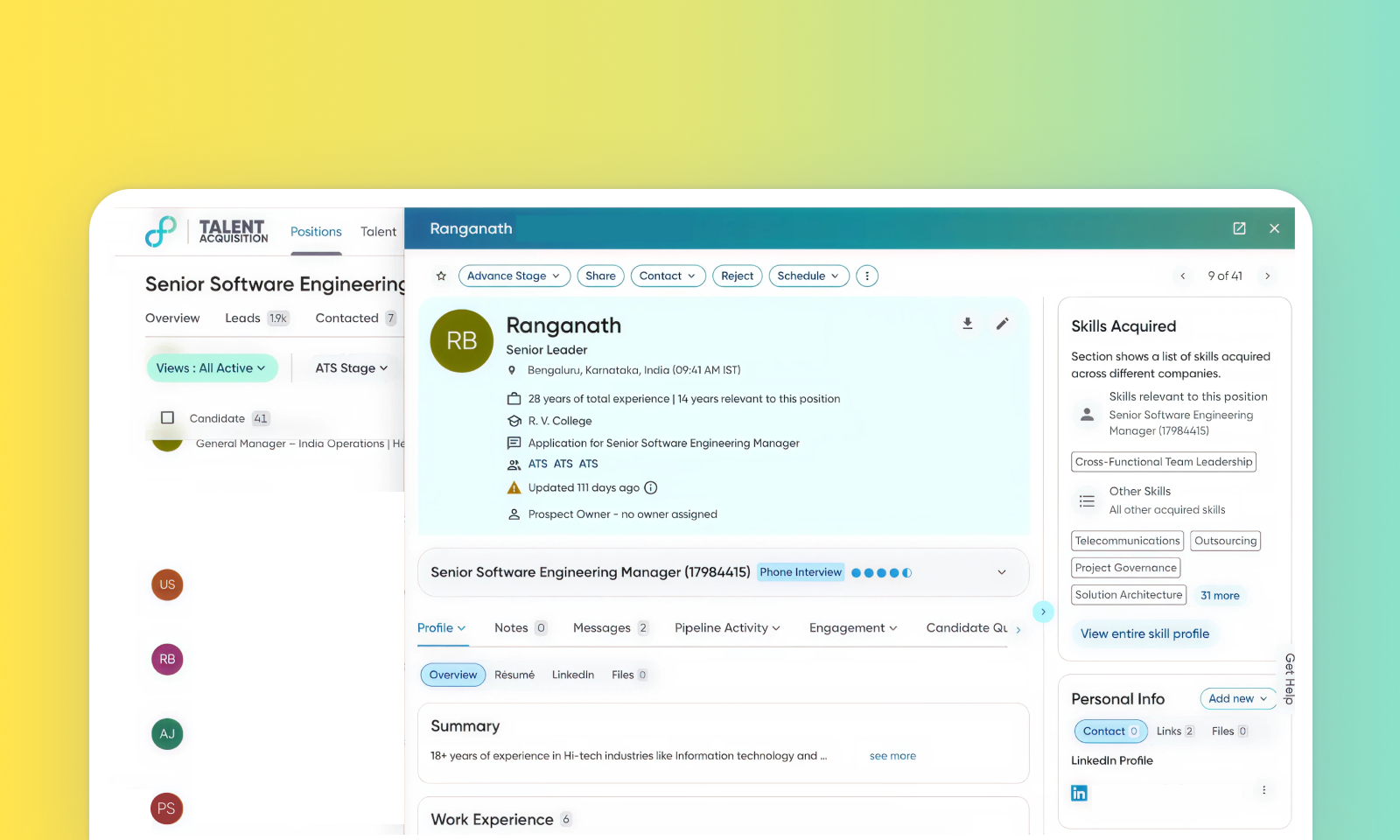
Left column expand capability in candidate profile
Default on

Who: Customer Admins, Recruiters, Hiring Managers
What's new: This enhancement introduces a single-column layout toggle, allowing the left column to expand to full width for better readability. To reduce clutter, requisition-independent highlights are now in the Top Card, while requisition-specific highlights appear in a dedicated widget below it. This new widget features Match Score explainability, offering qualitative AI insights into Skills and Experience relevance. By default, the Highlights widget is collapsed to maintain a clean interface.
How it works: Click the expand/collapse icon to toggle the left column to full width. This preference persists across the user's session. The requisition-specific Highlights widget is located below the Top Card. Expanding it reveals detailed match explanations with clickable evidence tags that link directly to source data.
Note: Existing Talent Acquisition users don't have to configure this feature, as this view will be available automatically.
