- DATE:
- AUTHOR:
- The Eightfold team
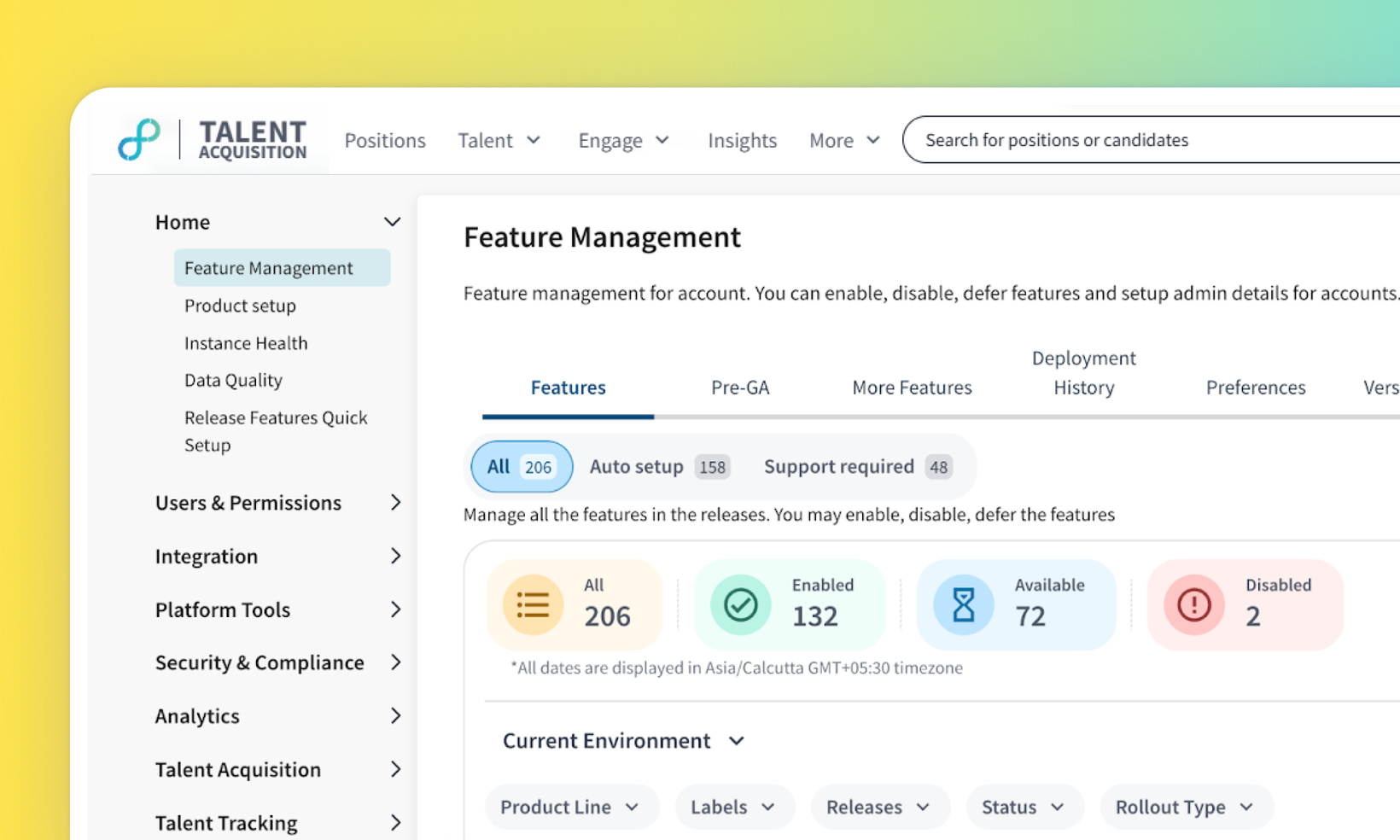
Streamlined Feature Management experience
Default on
We've simplified the Feature Management Tool (FMT) interface to make enabling and managing features more intuitive. This update removes confusing terminology and consolidates feature categories. Key changes include deprecating the Announcement status, removing the Self Setup tab (merging its contents into Auto Setup), and renaming the Mark Enable button to Setup. Additionally, clicking the new Setup button will now provide direct access to relevant enablement documentation within the modal. These changes reduce complexity and make it easier for administrators to understand and manage their features.
Users
Admin, Customer Admins, Implementation Engineers
Needs addressed
The previous Feature Management Tool (FMT) structure, with its multiple statuses like Announcement and Self Setup variations, was confusing for administrators. This complexity created a learning curve and uncertainty about feature states and necessary actions, even for experienced users.
The confusing Announcement status and the separate Self Setup tab were removed, consolidating features logically under Auto Setup. The action button was renamed to a clearer Setup label. Clicking this button now provides immediate access to necessary documentation directly within a modal, streamlining the previous process.
Administrators will experience a cleaner FMT interface. Features formerly under Self Setup are now located in the Auto Setup section. To activate features requiring configuration, they click the Setup button. A modal appears, confirming the action and providing the relevant steps or documentation needed for setup.
Reduced confusion for administrators, faster onboarding for new users, increased efficiency in feature enablement due to clearer terminology and accessible documentation, and improved overall administrator productivity within the FMT.
For more details on this feature, read Getting started with the Eightfold feature manager
Initial setup
This feature will be available to customers by default. Customers don't need to do anything to see this change in their Eightfold environment by the sandbox and GA dates.
