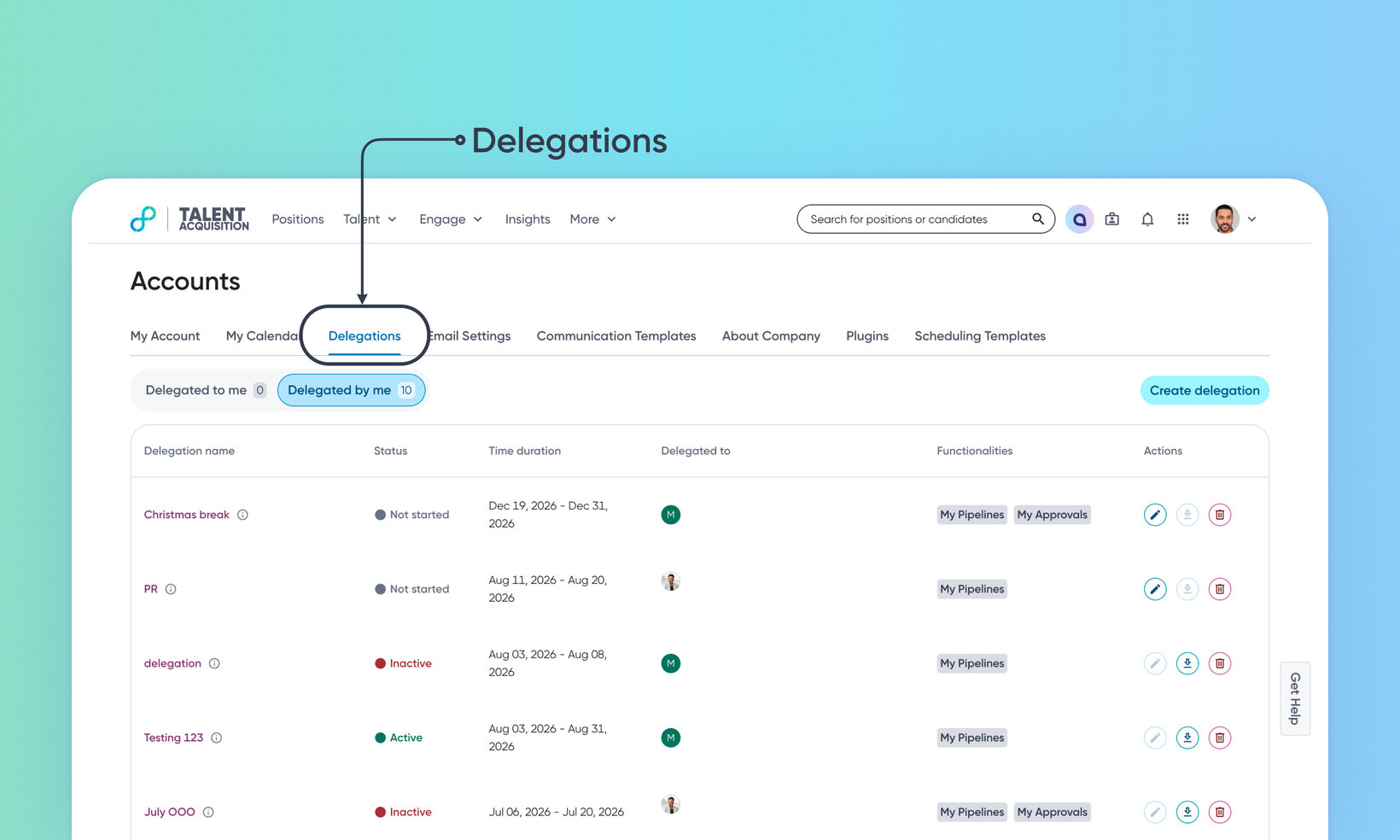
Delegate position and approval workflows
WHAT'S INCLUDED
Delegation lets a user delegate scoped responsibilities to a chosen delegate for a set time period, so work continues while they're away. A delegator creates a named delegation with a date range, one or more delegates, and one or more permission bundles that define what the delegate can do. The delegate switches into the delegator's account to act within that scope, and every action is tagged and logged.
WHY IT MATTERS
Work keeps moving when someone is out of office, without waiting on one person.
Delegated activities and approvals stay in the delegator's name. Each carries a "Delegatee action" tag, so hovering shows exactly who performed it.
A delegate never has more access than the delegator.
FEATURE DETAILS
Who can access | All TA users (as configured by the Customer Admin) |
Feature type | Default Off (Self-service) |
Requirements |
|
GETTING STARTED
Admins: In Admin Console → Users & Permissions → Delegation, turn on the Enabled toggle, and configure delegation settings.
To know more, read Configure Delegation.
End users: Go to Accounts → Delegations → Create delegation to name a delegation, select what to delegate, set a time window (90 days limit), and choose a delegatee. The delegatee is notified via email, switches into your account from their profile menu or the Delegated to me tab, works under a clearly marked delegated session, and switches back when done.
To know more, read Delegation in TA.
