- DATE:
- AUTHOR:
- The Eightfold team
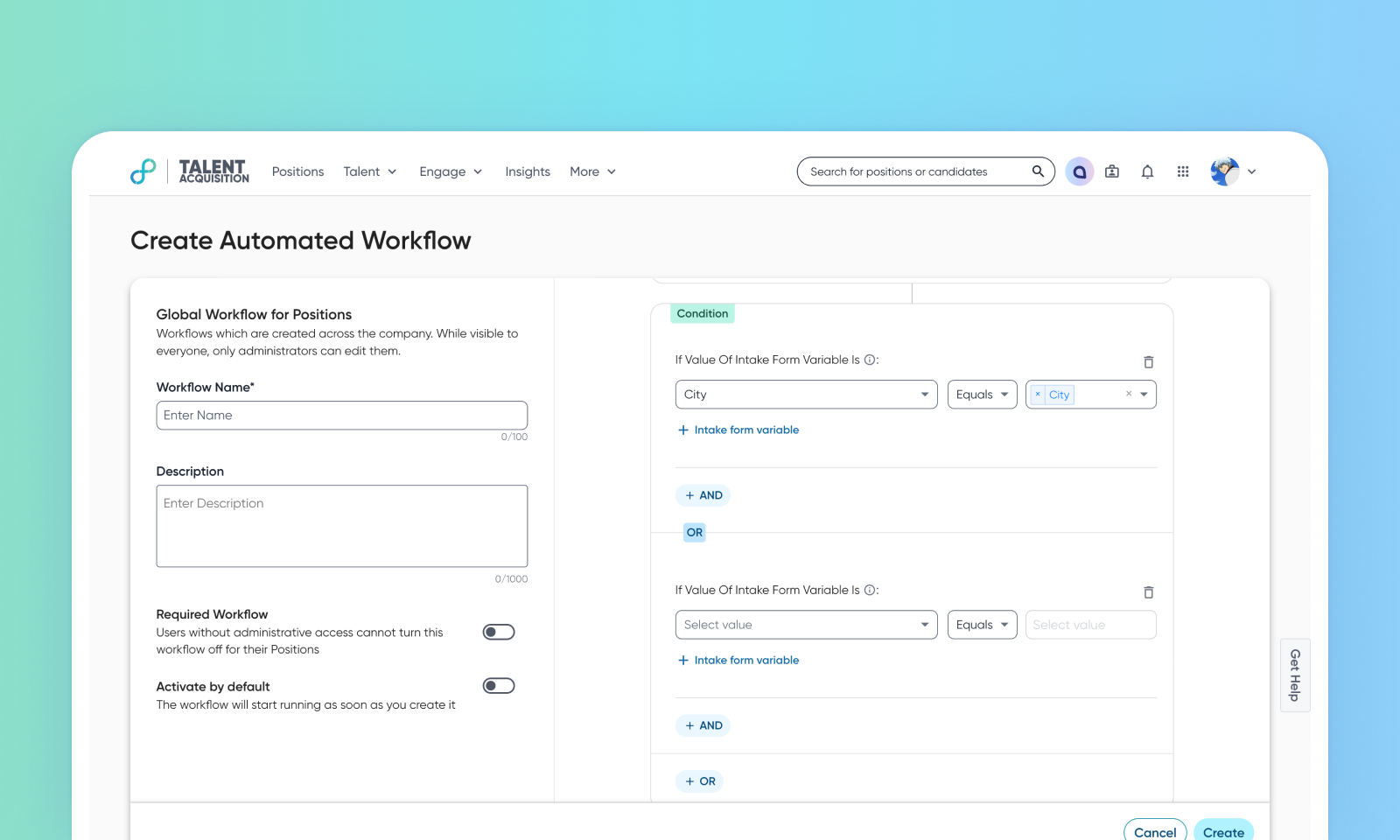
Introduction of intake form variables condition in Workflow Automation
Default on
You can now use intake form variables as conditions in Workflow Automation (WFA). This enhancement expands the flexibility of WFA by letting you build logic that responds to data captured in intake forms.
With intake form variables available in conditions, you can automate actions such as updating custom fields to assign recruiters or route requisitions to specific teams. This makes intake forms not just a data collection tool, but a driver of automated workflows across the hiring process.
Note: All intake form fields are available as condition variables in WFA and any custom field can be assigned a value in the ‘Action’.
Users
Customer Admins
Requirements
Intake form filters are a pre-requisite
This feature is available only for Talent Tracking.
Value
Previously, intake form data was only collected for manual review and updates. Customers required a way to use this data dynamically to drive workflow logic.
This feature enables administrators to configure WFA conditions directly from intake form variables—such as text, number, dropdown, date, multi-select, or autocomplete fields. For example, you can now:
Update a custom recruiting team field (for example, efcustom_recruiting_team) to classify positions and make them filterable on the homepage. You can also assign recruiters automatically based on team selection in the intake form.
Trigger other workflow actions that reduce manual effort and ensure consistency.
By leveraging intake form data in automation, organizations can reduce administrative overhead, improve accuracy, and accelerate hiring decisions.
Impact on existing workflows
This feature is only applicable for positions within Talent Tracking and the intake form variables condition.
Supported intake form variable types include: text (single-line text), number, dropdown, date, multi-select, and autocomplete. The conditions now also include ‘equal’ and ‘not equal to’.
Intake Form Variables are currently only visible and usable in the condition section when the workflow trigger is set to ‘When position's status changes’.
Initial setup
This feature will be available to customers by default. Customers don't need to do anything to see this change in their Eightfold environment by the sandbox and GA dates.
To know more about this feature, see this video:
