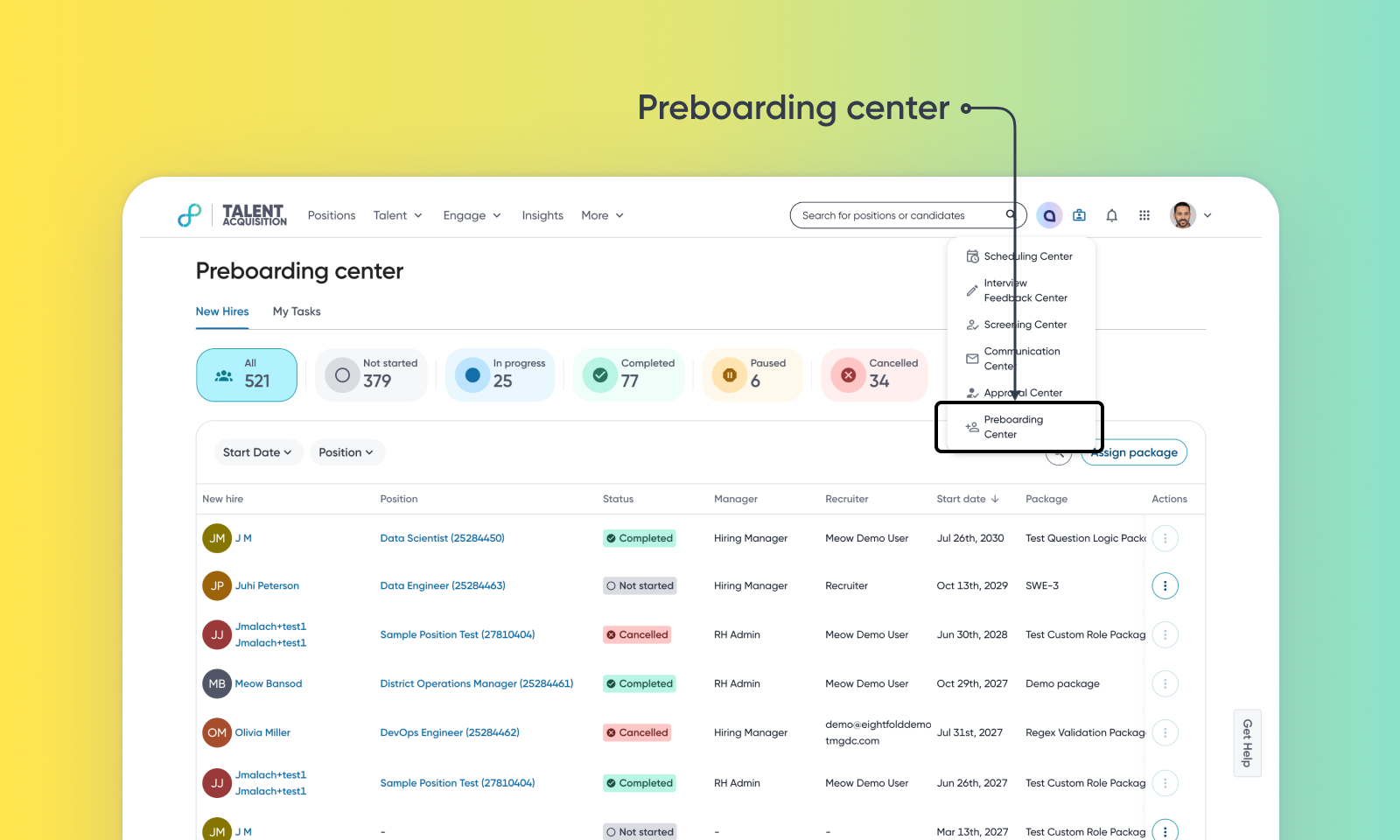
Candidate Preboarding in Talent Tracking
Default On
Who: Customer Admins, TA Ops, Recruiters, Hiring Managers, Candidates
Requirements: Talent Tracking must be enabled. Users require specific permissions, such as ‘perm_view_onboarding_center’ and ‘perm_manage_onboarding_templates’, to access the Preboarding Center and configure workflows.
What's new: Preboarding is now available as part of Talent Tracking. Use it to collect information new hires need to complete before their start date. This includes personal details for first-day IT setup, data required for background checks, equipment preferences, compliance acknowledgements, and more.
How it works: Admins can set up packages containing tasks for both new hires and internal team members. Once a candidate accepts an offer, an appropriate package can be assigned. New hires receive email notifications and complete their task through the Candidate Portal (PCS), and internal team members (IT, HR, Hiring Managers) complete their own assigned tasks. Everyone's progress can be tracked in the Preboarding Center.
