- DATE:
- AUTHOR:
- The Eightfold team
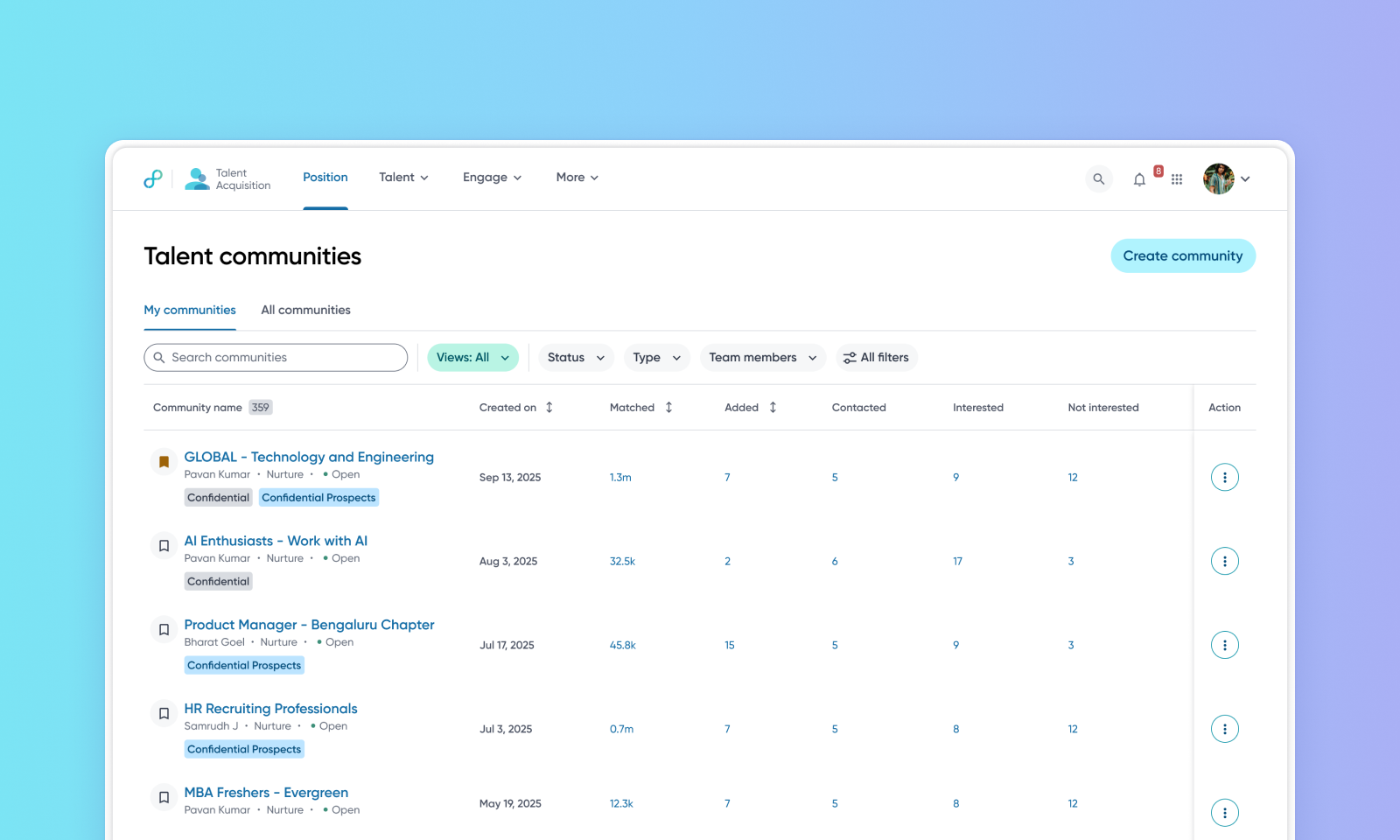
Communities UX and filtering enhancements
WHAT'S INCLUDED
This release refines the Communities experience:
Set a saved filter as your default view, so it loads automatically whenever you open your community list.
The Confidential communities filter is now on by default on the Communities list page.
Custom filters now appear directly in the Community picker.
Applied filters display under the search bar, with a new Clear all option.
WHY IT MATTERS
Sourcers and recruiters spend less time re-applying filters every time they open their community list.
Confidential communities stay filtered out by default unless you select otherwise.
FEATURE DETAILS
Who can access | Sourcers, Recruiters |
Feature type | Default On |
Requirements | Talent Communities should be in use |
GETTING STARTED
Admins: This feature is default on; admins don’t have to configure anything in the Admin Console.
End users: Filter your community list, save the filter, and select Set as default filter to apply it on future visits.
