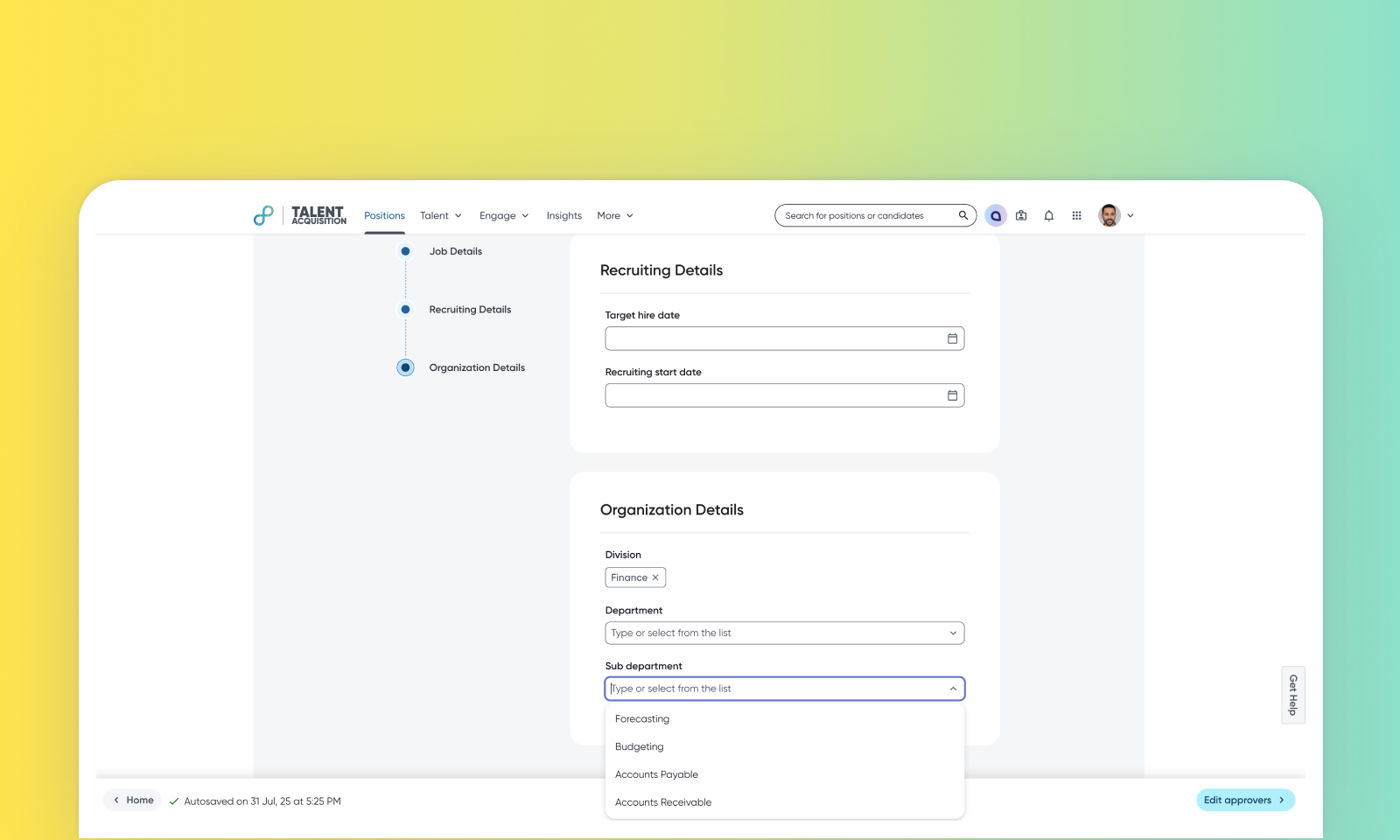
Contextual org unit filtering in intake forms
Default on
This enhancement improves the user experience in the intake form by providing contextual suggestions for organizational units. It helps filter and display organizational units based on your selections within the form, referencing the organizational chart's foundational data. This ensures you see only the most relevant child or parent units, making the selection process more intuitive and efficient.
Users
Customer Admins
Requirements
There must be an org hierarchy already created in your environment.
Users must have access to manage organizational units and templates.
This feature is available only for Talent Tracking.
Needs addressed
Previously, the intake form displayed all organizational units for a given organization type, even when a user selected a higher-level unit in the hierarchy, leading to a large number of irrelevant options. Users needed a way to filter these suggestions based on their selections to ensure accuracy and reduce manual searching.
This feature provides contextual and filtered suggestions, ensuring users select correct organizational units that align with the established hierarchy. This helps to improve data accuracy, streamline the intake form completion process, and reduce potential errors or confusion caused by irrelevant options.
This feature will lead to improved data quality in position and offer templates by ensuring organizational units are selected in adherence to the established hierarchy. It is also expected to increase user efficiency by providing relevant suggestions, thereby reducing time spent on form completion and minimizing selection errors.
For more details on how to create organizational data, read Configure Organizational Data.
Impact on existing workflows
If a parent organizational unit is not mapped to any child organizational unit in the hierarchy, the child dropdown displays - "No results found".
This feature works for org units created under business view only.
Initial setup
This feature will be available to customers by default. Customers don't need to do anything to see this change in their Eightfold environment by the sandbox and GA dates.
