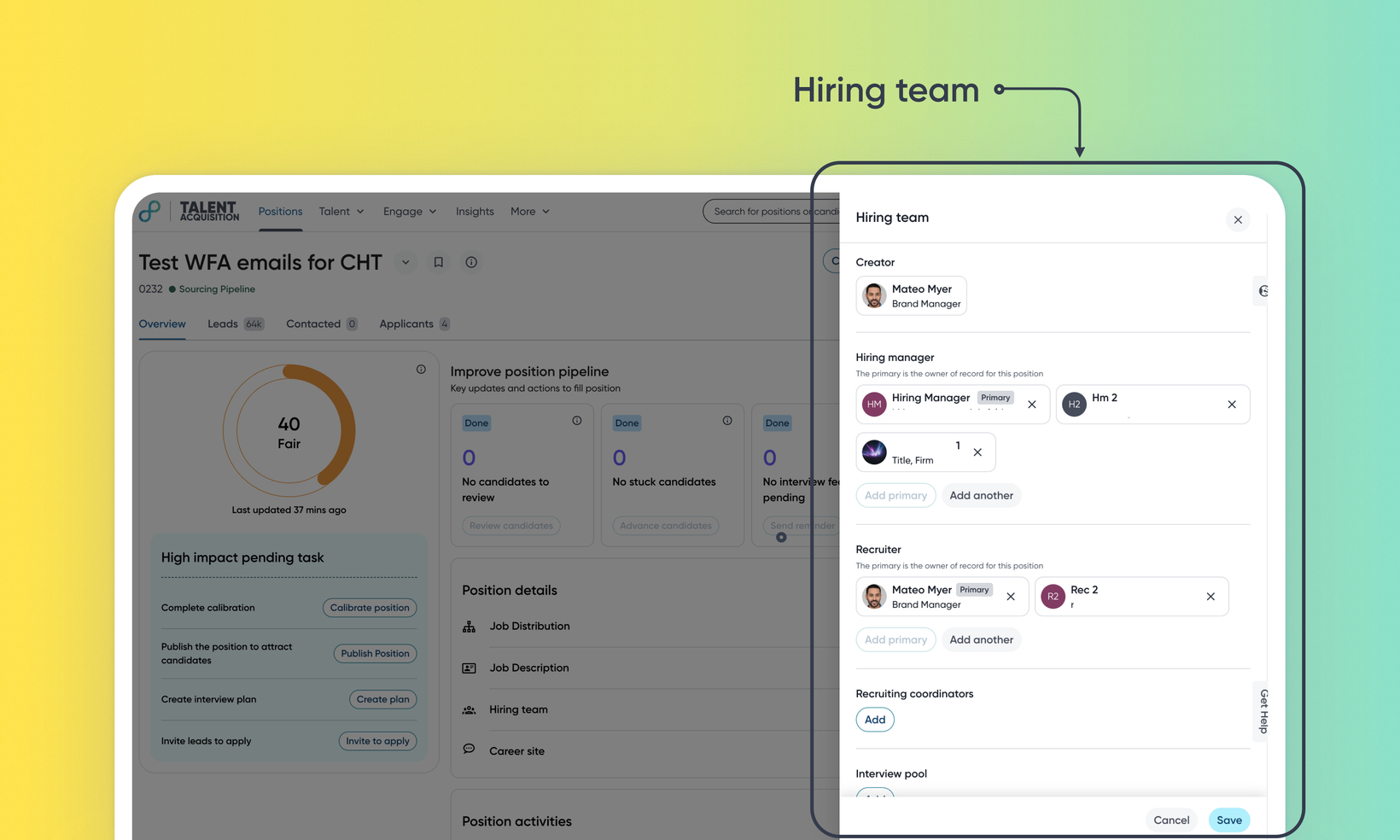
Create and manage your hiring team on positions
WHAT'S INCLUDED
A position's hiring team can now include one primary recruiter and primary hiring manager, plus any number of secondary recruiters, secondary hiring managers, and additional named roles your organization wants to track — like a HR Business Partner. Admins add these custom roles directly to a requisition template, so every position created from it comes with exactly the collaboration structure your team needs. The hiring team can be set during position creation or managed anytime after, from a dedicated panel on the position.
WHY IT MATTERS
Add as many secondary recruiters and hiring managers as a position actually needs, so the right people can access and act on it — not just one designated owner per role.
Give each person on the hiring team their own custom role (HRBP, etc.) instead of lumping everyone into a generic Followers list, so it's clear who does what.
Manage the hiring team from either the intake form or directly on an existing position — both stay in sync automatically.
Custom-role members access the position using their existing Eightfold permissions, so growing the hiring team never accidentally grants access someone shouldn't have.
FEATURE DETAILS
Who can access | Talent Tracking (T2) customers — recruiters, hiring managers, and admins who configure requisition template |
Feature type | Default On (Non-deferrable) |
Requirements | A custom role must be added to a requisition template by an admin before it can be assigned on positions created from that template. Existing positions created before a custom role is added aren't updated retroactively. |
GETTING STARTED
Admins: On a requisition template, use Create New Variable, set Field type to Autocomplete (multi-select) with Users as the entity to search on, and check "Set as hiring team role variable." Give it a label (e.g., Sourcer), save, and add it to the template layout. Read Custom hiring team for more information.
End users: On the intake form, add one or more people to Recruiter and Hiring Manager and fill in any custom role fields on the template. On an existing position, open the kebab menu (:) > Hiring Team to view or edit the whole team at any time. When setting up send email or send offer workflows, you can CC secondary roles and configure email checkbox options for workflow automation.
Links
