- DATE:
- AUTHOR:
- The Eightfold team
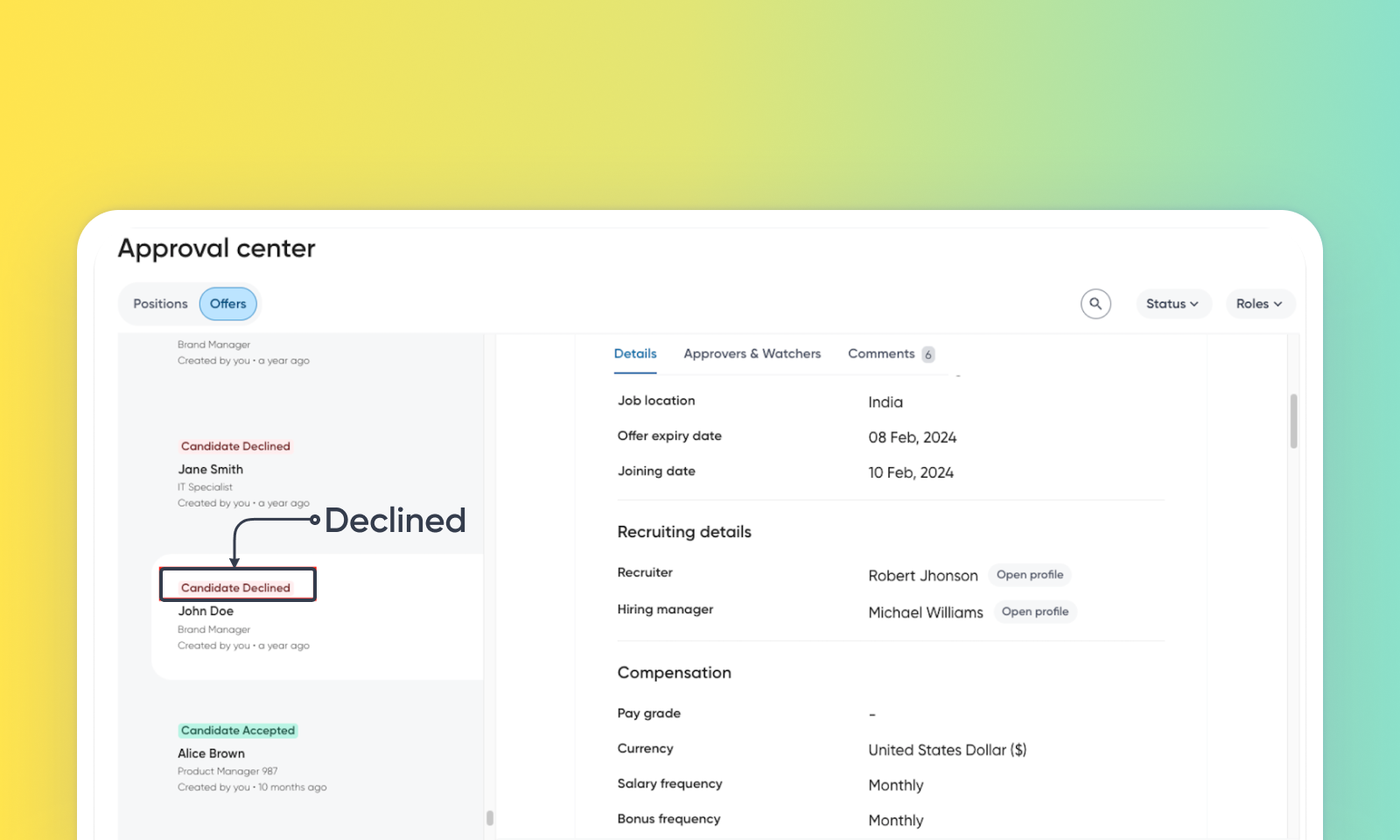
Option for candidates to decline offers in Docusign
Default On
This feature introduces an automation that automatically updates an offer's status in the ATS to 'Candidate Declined' when the candidate formally rejects the offer using the integrated Docusign e-signature tool. This streamlines the process by eliminating manual status updates for declined offers. Additionally, if the candidate provides a reason for declining through Docusign, this reason is automatically captured and added as a comment on the offer.
Users
Recruiter, Hiring manager
Requirements
Docusign license required
Needs addressed
Recruiters previously had to manually update the offer status in the ATS after a candidate declined via Docusign. This manual step was time-consuming and could lead to delays or inaccuracies in reflecting the true offer status.
Automates the offer status update: When a candidate declines via Docusign, the system (if enabled) automatically changes the ATS offer status to 'Candidate Declined', eliminating the need for manual recruiter updates. Declined offers are tracked in the offer_status column of the offers analytics table. This data is accessible through offersview and positionoffers_view in Data Hub
An administrator enables the feature. When a candidate receives an offer via Docusign and clicks the 'Decline' option, the corresponding offer record within the ATS will automatically transition to the 'Candidate Declined' status without any recruiter intervention.
Saves recruiter time, improves ATS data accuracy, and streamlines the offer management workflow through automation.
Initial setup
Talent Tracking licensed customers will have access to this feature by default. Customers don't need to do anything to see this change in their Eightfold environment by the sandbox and GA dates.
