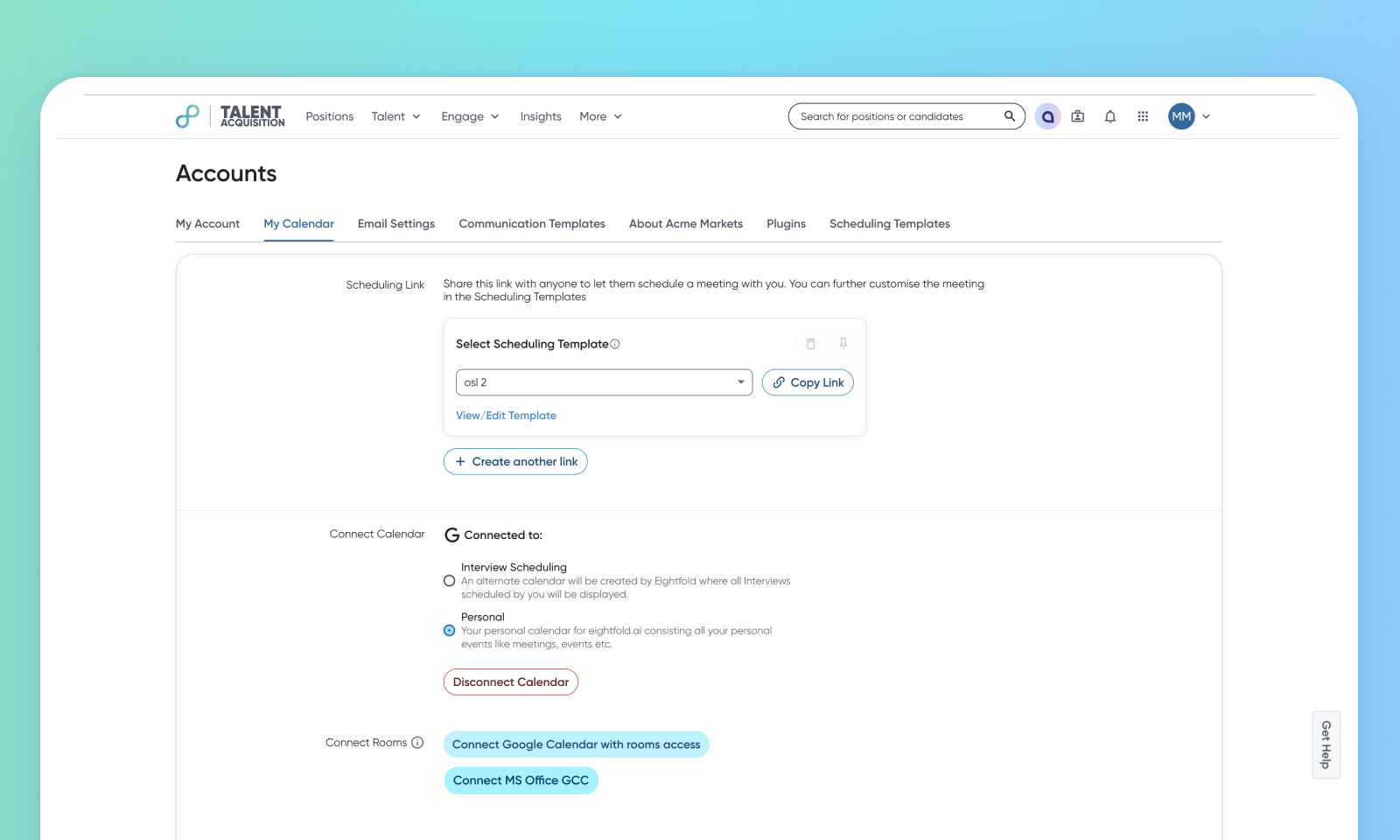
Support for multiple calendar providers in interview scheduling
Default Off
Self-service
This feature introduces the ability to integrate multiple calendar versions/vendors in an environment, addressing the challenge faced by global teams operating with diverse IT infrastructures. This enhancement allows users from different domains within the same organization to connect and use their respective calendar providers for scheduling, streamlining workflows, and improving collaboration across regions.
Requirements
The distinct web domains associated with different user groups or regions must be explicitly listed and configured within the system. This involves adding valid domains to ‘external_account_for_group_id’. Users will only be allowed to add domains from this predefined list.
Users
Customer Admins, Recruiters, Schedulers
Needs addressed
Many global organizations require the ability to use different calendar providers for employees in various regions due to security, compliance, or legacy IT reasons. Previously, the challenge was the inability to allow all users within a single Group ID to use scheduling if they used different calendar versions or vendors.
This feature allows the mapping of user domains to specific calendar providers within the ‘scheduling_config’. This eliminates the need for separate Group IDs, preventing data logical separation and enabling shared data across entities. Users can verify their assigned calendar provider in Accounts > My Calendar.
With this enhancement, customers may notice improved global collaboration and streamlined operations.
Impact on existing workflows
The system prioritizes the calendar provider mapped to the domain of the user who’s scheduling the interview. If the user doesn't belong to any group with a valid calendar provider, the default preference from ‘scheduling_config.calendarProvider’ is used.
Fetching availability across different calendar providers is currently not supported.
Scheduling isn't allowed when the interviewer and scheduler are using different calendar providers.

Initial setup
For more details on how to set up this feature, read Configure multi-domain calendar integration.
