Third-party assessment improvements
Default on
This feature introduces the ability to configure default third-party assessment types (such as HackerRank) at the pipeline level (Position, Community, or Event), ensuring consistency and standardization for all candidates within that pipeline. It decouples assessment triggering from stage advancement by providing a dedicated Initiate Assessment pipeline action, offering greater flexibility in assessment workflows. This standardization reduces selection errors, meets critical enterprise customer needs for compliance, and allows for efficient bulk assessment triggering.
Users
Recruiters, Hiring Managers, Customer Admins
Requirements
Events 2.0 must be enabled
Install the assessments app by navigating to Admin Console > Apps > Install App.
Value
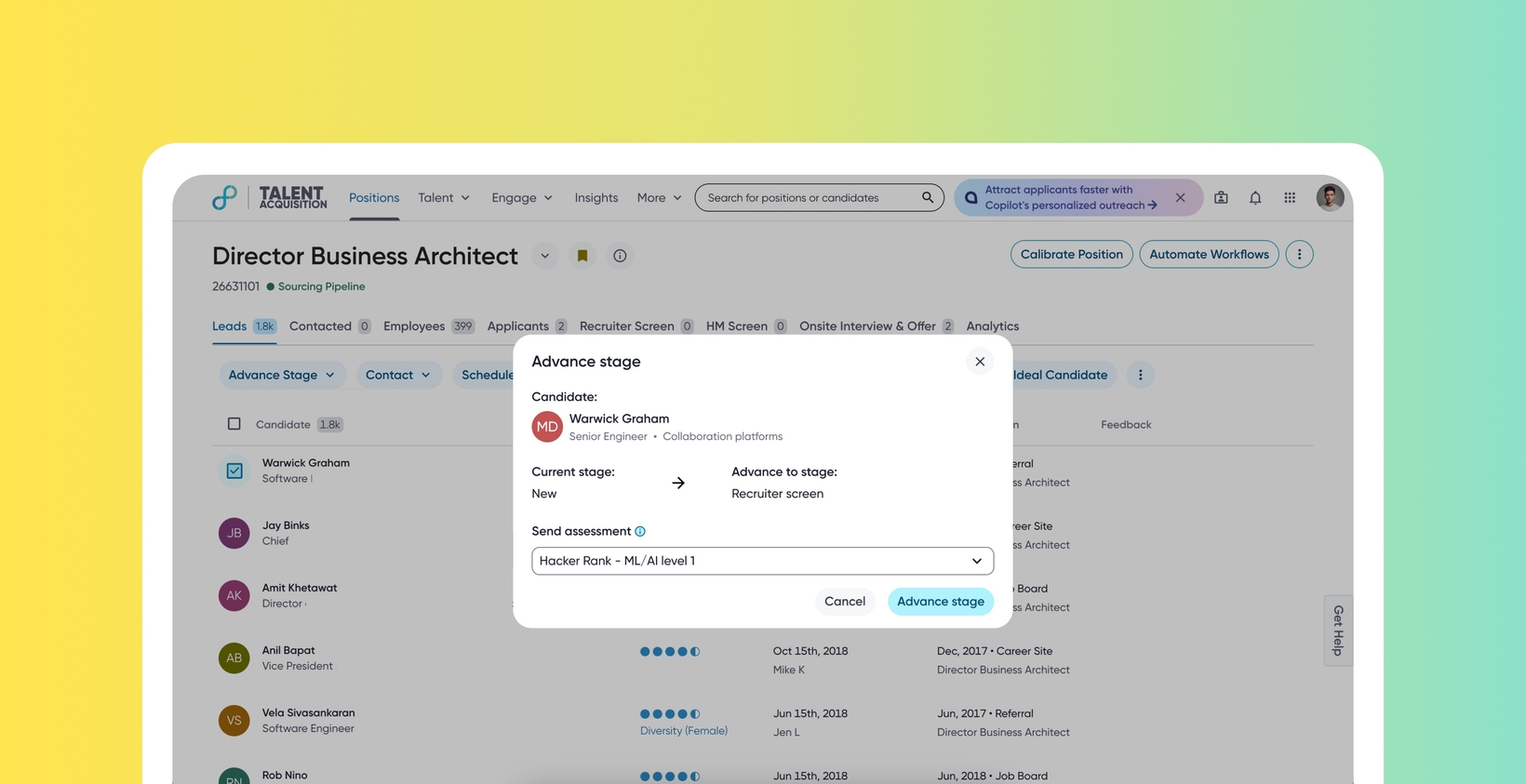
Currently, assessment selection occurs when advancing a candidate's stage. This process may lead to inconsistency evaluations. Customers need standardization at the requisition level to ensure fair evaluation.
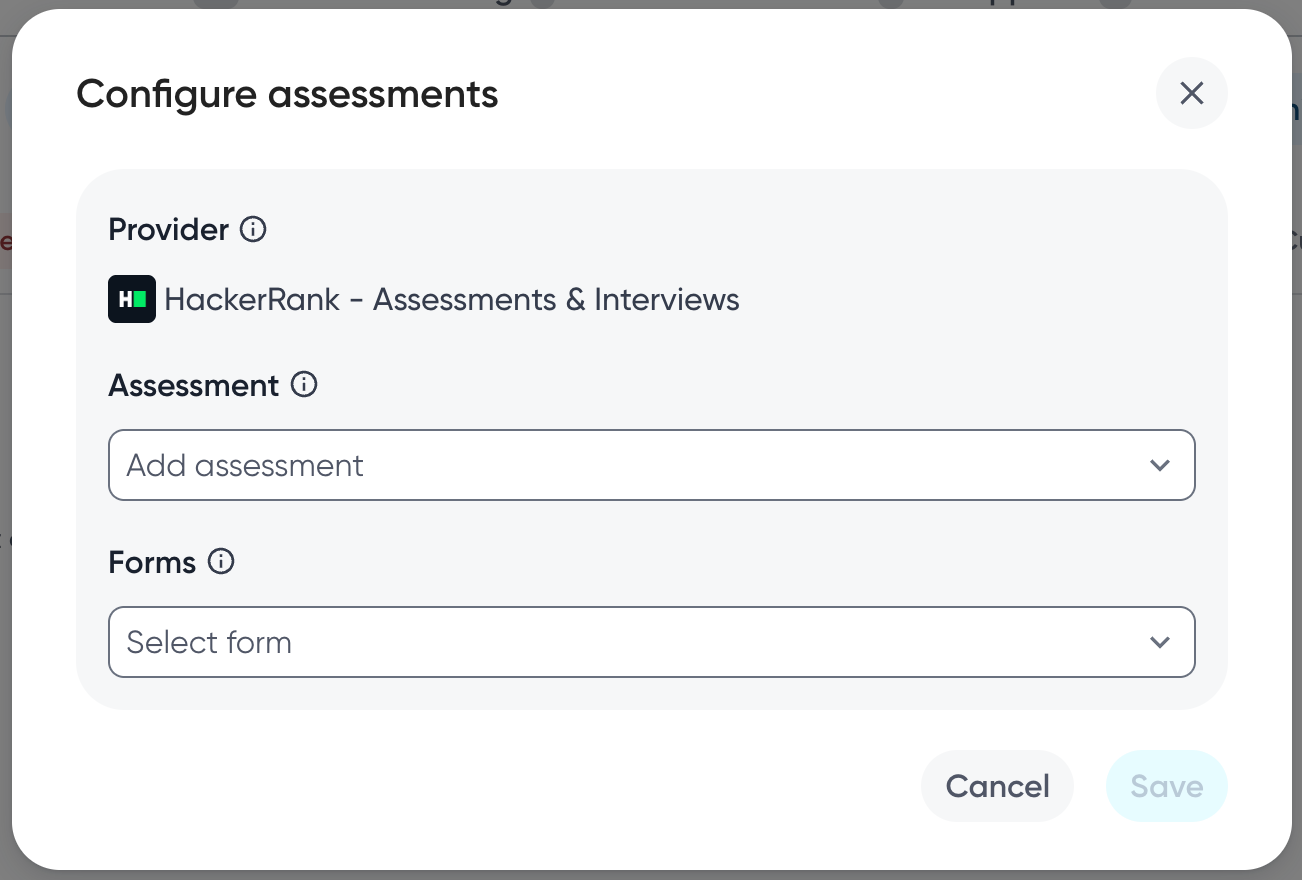
Recruiters can now configure a default assessment type for a requisition using the ‘Configure Assessment’ action. This default assessment is then pre-populated when using the Initiate Assessment pipeline action. Further, administrators can lock the assessment configuration once an assessment has been triggered, ensuring consistency.
Using this feature, users may notice improved assessment consistency, a reduction in manual recruiter error, and a more standardized candidate evaluation experience. This standardization helps meet enterprise customer needs and compliance requirements.
This feature also allows recruiters to initiate assessments on multiple triggers such as - receiving a new application, application of a tag, and more.
Bulk actions empower recruiters to trigger assessments faster, improving efficiency and user satisfaction.
Impact on existing workflows
The existing workflow of triggering assessments using Stage Advance modal remains functional and is backward-compatible.
Users can now configure assessments directly from the header menu (three vertical dots) for Positions, Communities, and Events. Any configured assessment will automatically pre-populate when initiated through the pipeline action.
Users can now add Initiate Assessment as an action in pipelines and Workflow Automation rules for Positions, Communities, and Events. They can also configure the action button within the pipeline.
If the assessment locking configuration (lock_assessments_once_triggered: true) is set for the entity, the ability to select/change the assessment form is disabled in subsequent Initiate Assessment actions and Stage Advance modals for further candidates.
Initial setup
This feature will be available to customers by default. Customers don't need to do anything to see this change in their Eightfold environment by the sandbox and GA dates.
For information on configuring this feature further, read Configure assessment standardization.
